Reports
SAFE On-Prem can show reports generated by SAFE.
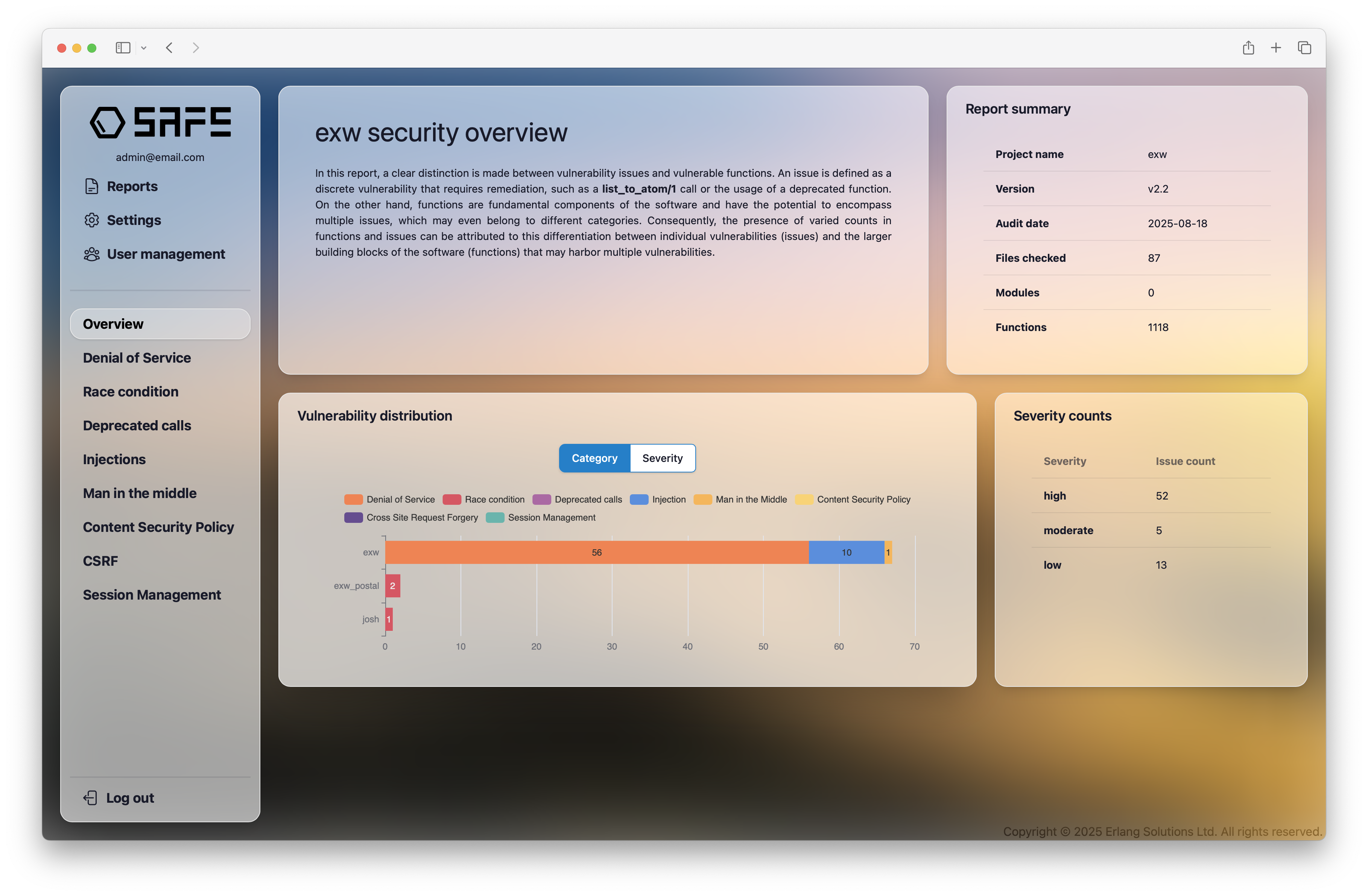
Upload a report
note
Only workspace admins can upload reports.
- To upload a report, navigate to the "Reports" page.
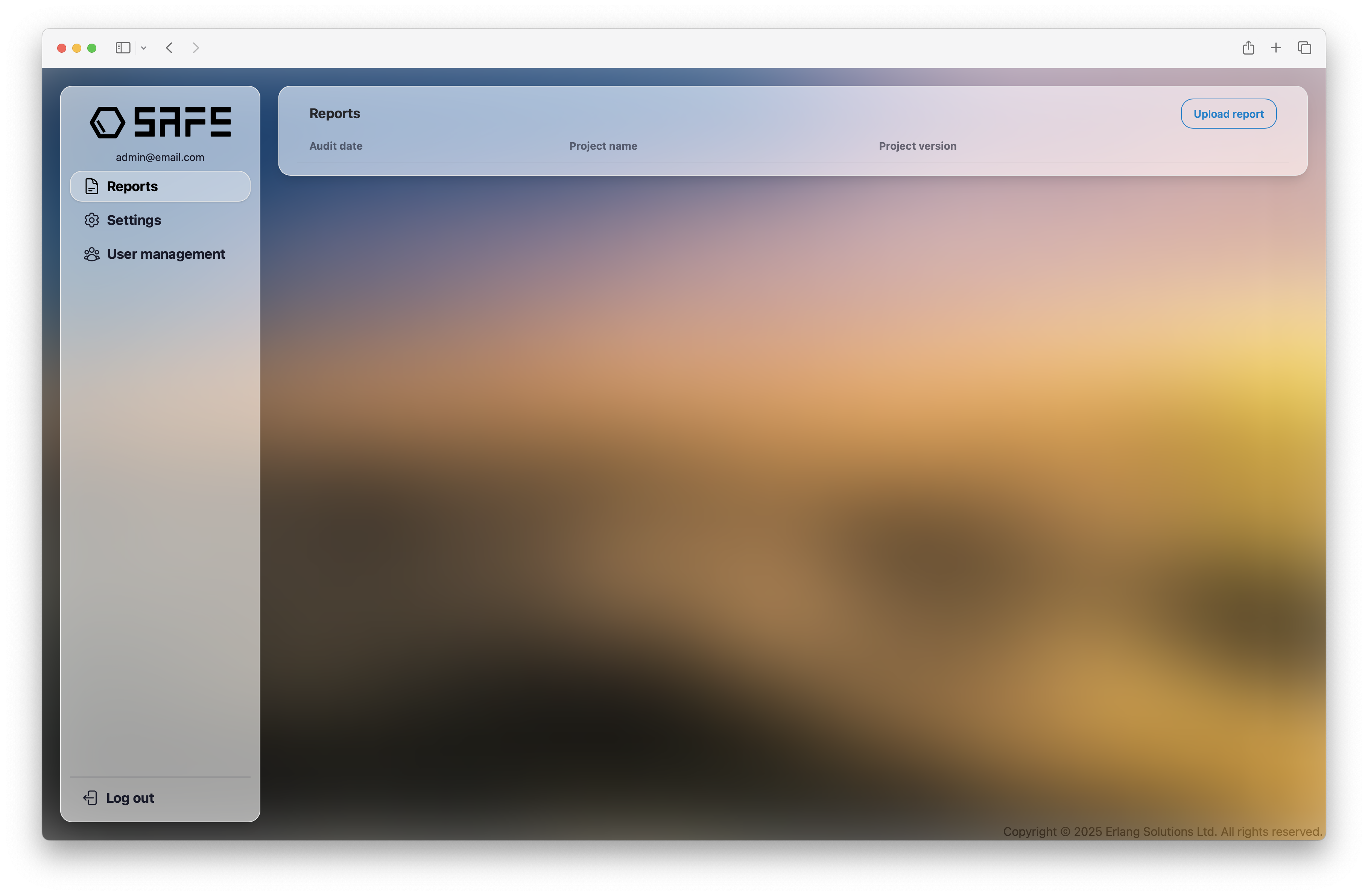
- Click on the "Upload report" button in the top right corner. A window will appear.
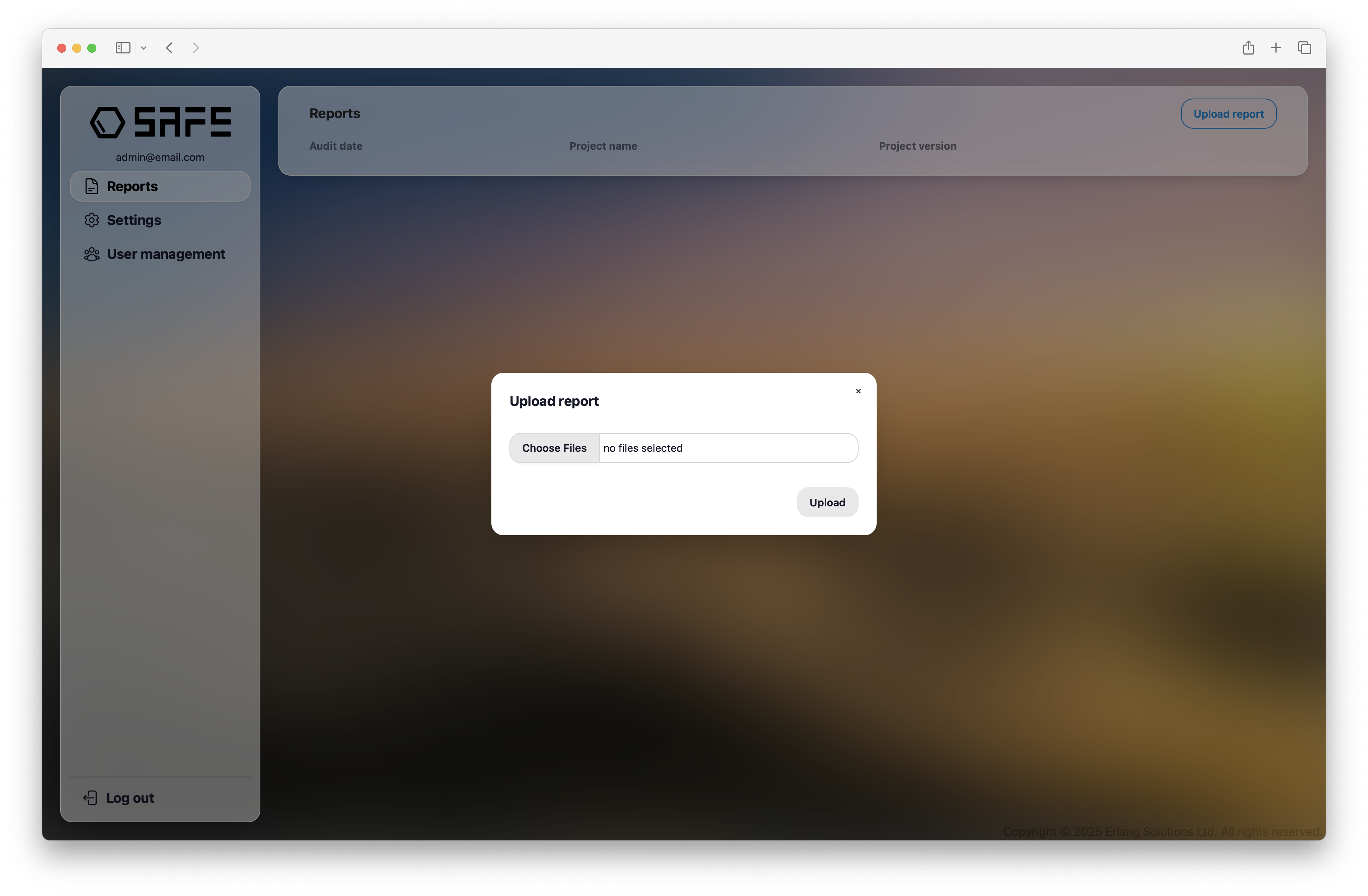
-
Click on "Choose File" and select the report you want to upload. You can upload multiple files at a time (max 10).
-
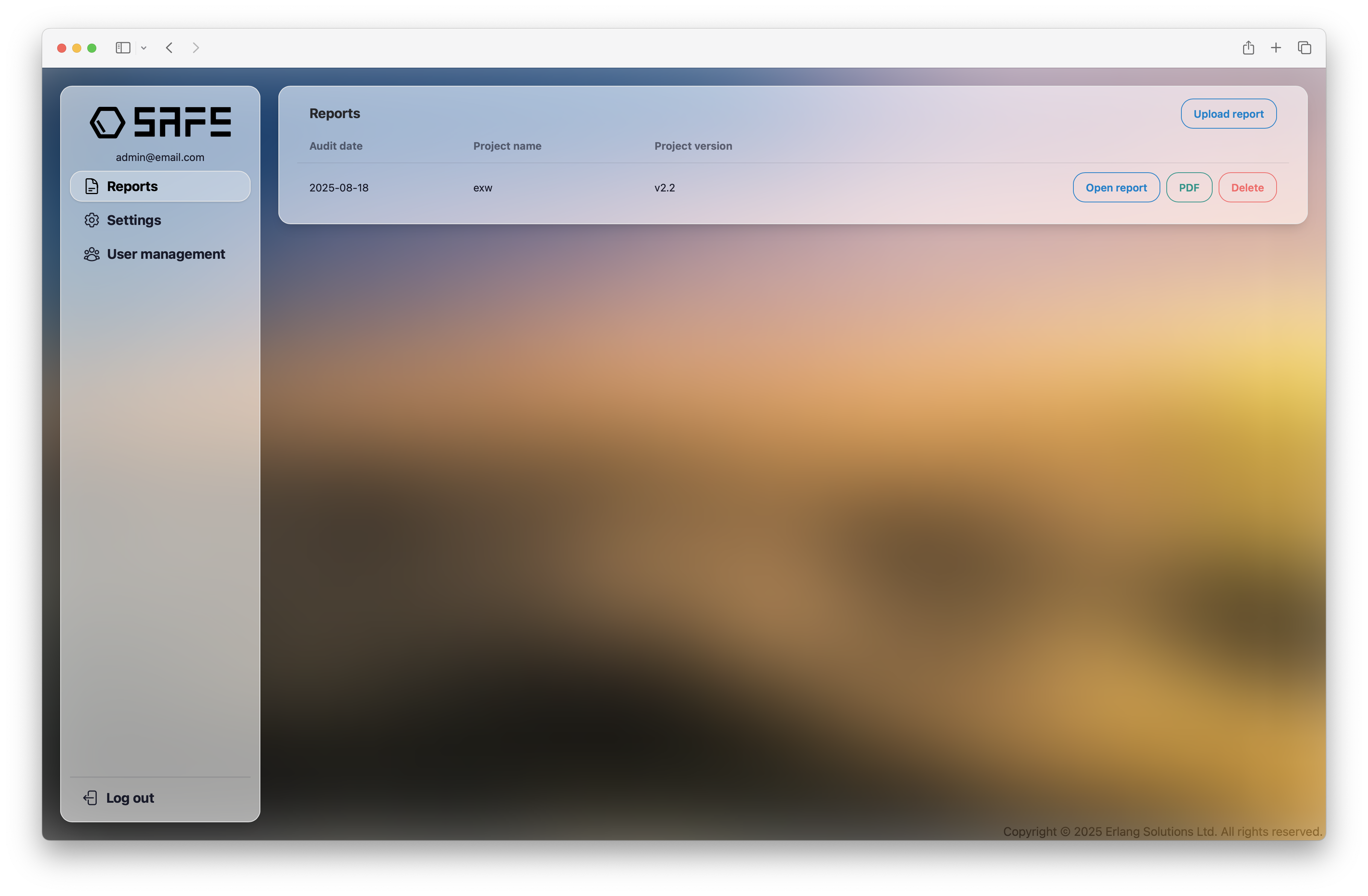
Click on the "Upload" button. The reports will appear on the Reports page.
Send reports via Rest API
SAFE On-Prem also supports uploading reports via Rest API. You can use the following endpoint to upload reports programmatically:
POST /api/reports
Here is an example of how to upload a report using curl:
curl -X POST \
  -H "Content-Type: application/json" \
  -d @path/to/my_report.safe \
  http://localhost:4000/api/reports